6. Protected fields
The price is the shop's to set and the accountant's to read. A manager reads the order and never the price; a customer never writes it.
Protecting a field
In the model, beside its permissions:
That adds two permissions: shop.order_view_price and
shop.order_edit_price. Or with no code, Access, Protected fields, the
model, Protect:
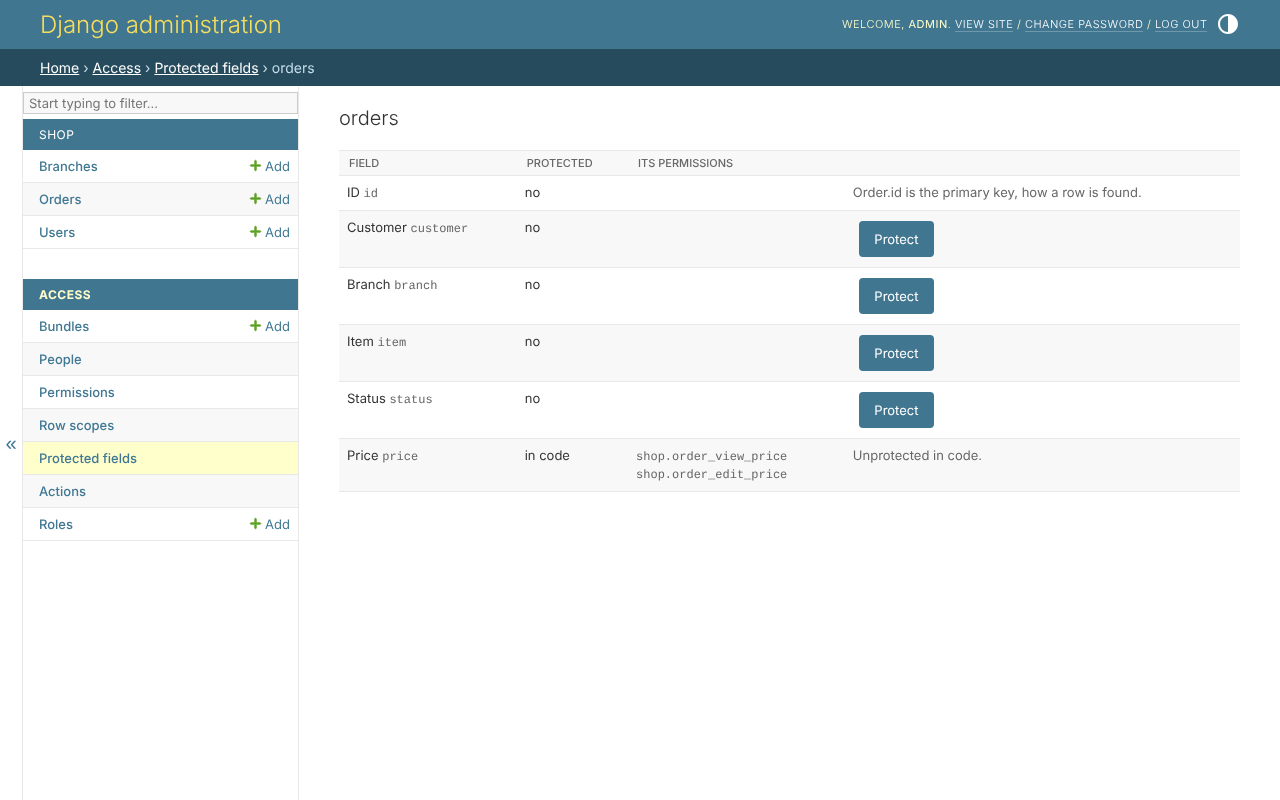
The primary key cannot be protected: it is how a row is found.
What it changes
A field the person may not read is left out of every door - the API, Django's
forms and templates, the admin site's forms, lists, search, filters and
ordering, and rules. The accountant holds order_view_price; the managers do
not. The same order, opened by north_manager, has no price:
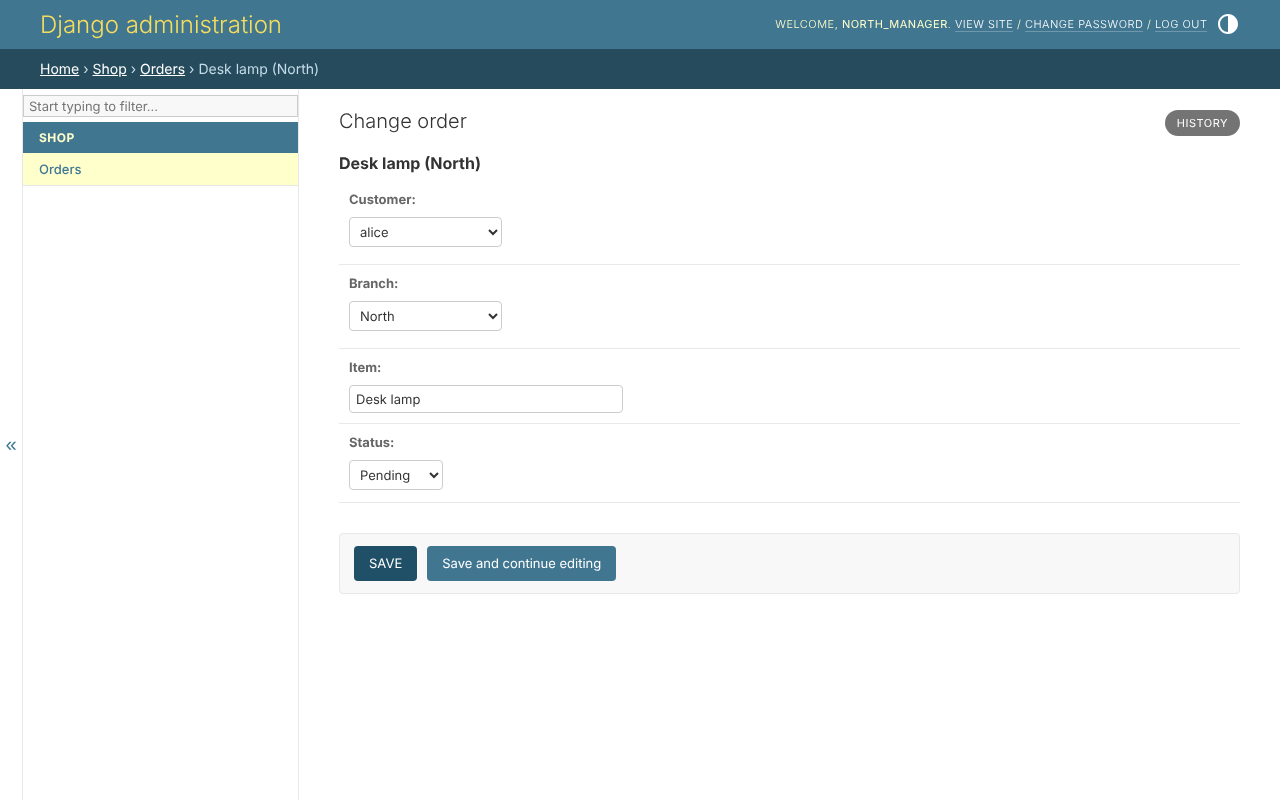
A field they may read and not write is shown and locked. A write that names
it - "price": "1.00" sent to the API by a customer - is a 400 naming the
field, not a silent drop.